Summarize any YouTube video in seconds.
Paste a link and get the key ideas and takeaways as bullet points. Learn in minutes instead of watching for hours — then quiz yourself on it.

- Free to download
- YouTube, PDF & audio
- Delete your data anytime
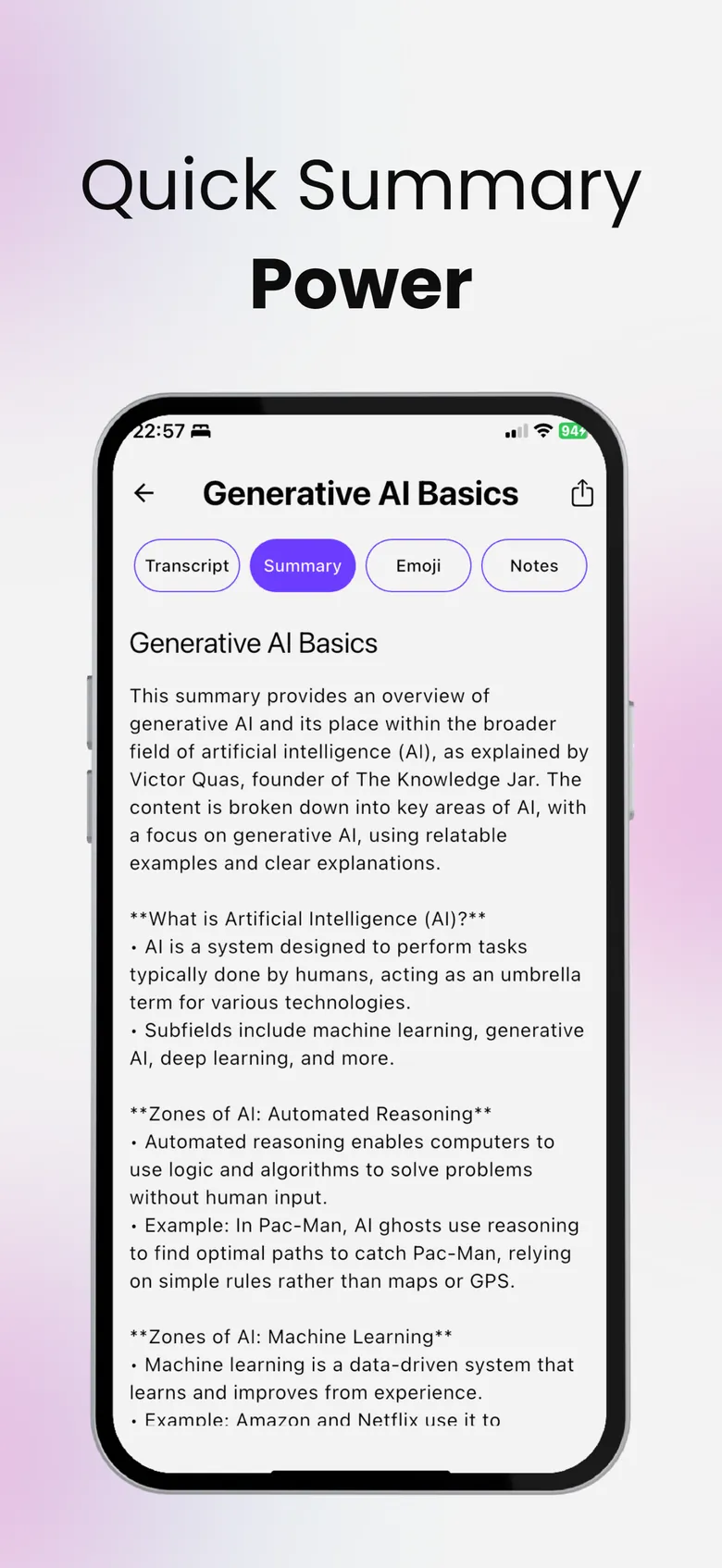
Hours of video, one clear summary.
Lectures, tutorials, talks, podcasts on YouTube — paste the URL and SumApp pulls out the main points. Switch to the full transcript when you want the details, or add your own notes.
- Key ideas and takeaways as bullet points
- Transcript, summary and notes side by side
- Summary language you choose in settings
Turn the video into a quiz.
Generate practice questions from the summary and see what you remember. How AI quizzes work →
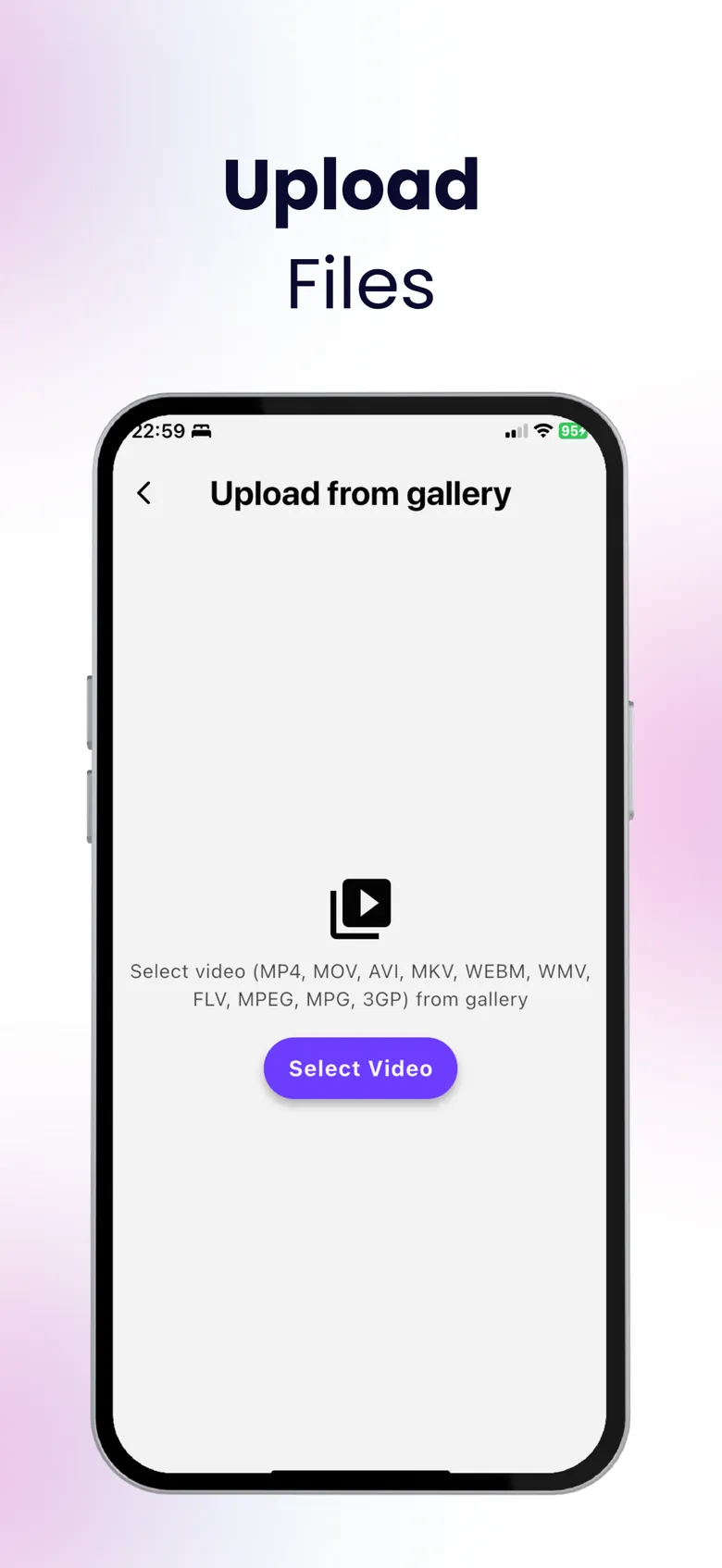
Upload video and audio files.
Not on YouTube? Upload a video or audio file from your phone — MP4, MOV, MKV, MP3 and more — and SumApp transcribes and summarizes it the same way.
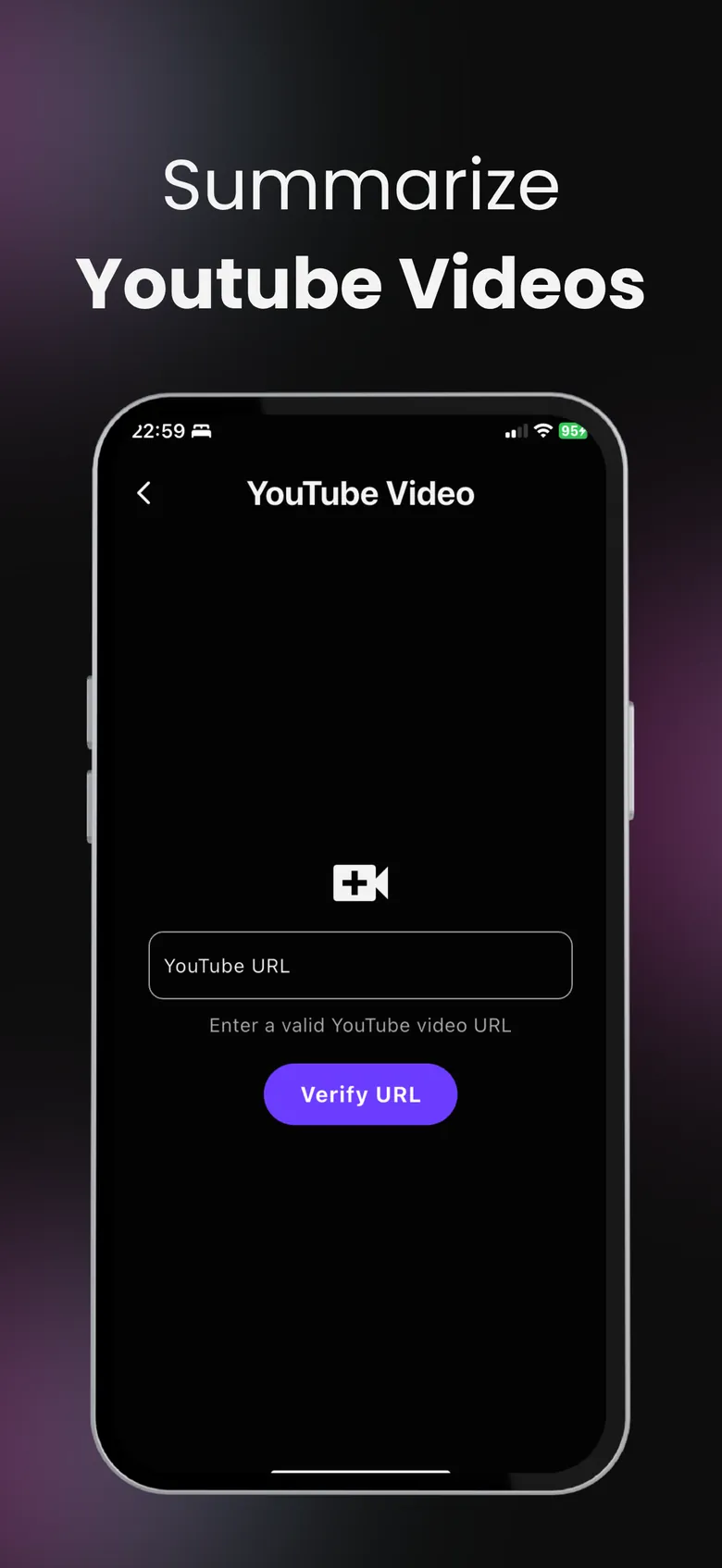
Summarize a YouTube video in three steps.
Copy the link
Share or copy the URL of any YouTube video.
Paste in SumApp
Verify the URL and let SumApp do the rest.
Read, save, quiz
Get the key ideas, keep the summary and generate a quiz.
Questions, answered
How do I summarize a YouTube video?
Copy the video’s link, paste it into SumApp and tap to summarize. You get the key ideas and takeaways as bullet points, plus the transcript.
Does it work with long videos?
Yes — it’s built for long content like lectures and talks. Free use has limits; Premium unlocks unlimited summaries.
Can I summarize videos in other languages?
SumApp detects the spoken language, and you can choose the language of your summary in settings.
Is it free?
SumApp is free to download so you can try it. Premium (monthly or yearly) unlocks unlimited summaries, quizzes and recording time.
More from SumApp
Hours of content. Minutes of insight.
Your next lecture, PDF or video — summarized, searchable and ready to quiz you.

Free to download · Optional Premium · Cancel anytime in your Apple ID settings