Don’t search the PDF. Ask it.
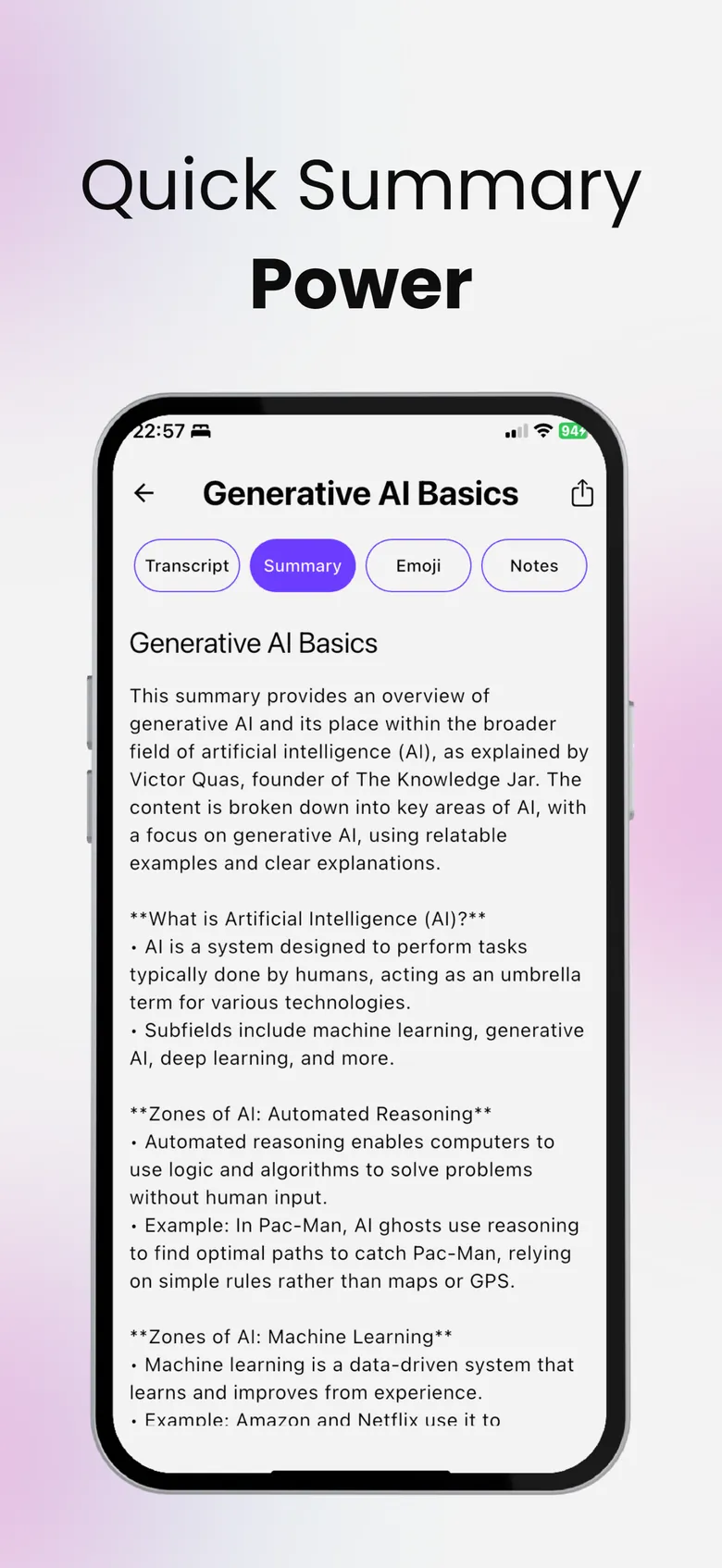
Every summary in SumApp comes with a Chat tab. Ask a question about a document, a lecture or a video and get an answer based on that content — not on the whole internet.

- Free to download
- YouTube, PDF & audio
- Delete your data anytime
Start with a suggestion.
Not sure what to ask? Tap a suggestion and go from there:
- Summarize the key points
- What is the most important takeaway?
- Are there any action items?
- Decisions
- Who does what
- How would this be asked
- What was skipped
PDFs, videos, recordings and photos.
Chat works on whatever you summarized: a PDF or document, a YouTube link, an audio or video file, a meeting you recorded, pasted text — even text read from a photo of a page. Summarize a PDF →
- Answers from your source — not the whole internet
- Study mode: ask “How would this be asked?” before an exam
- Then quiz yourself in the Quiz tab
Always check what matters.
AI answers can be wrong. For anything important, check the transcript or the original document — SumApp keeps both one tap away. Turn it into a quiz →
Chat with a document in three steps.
Add your content
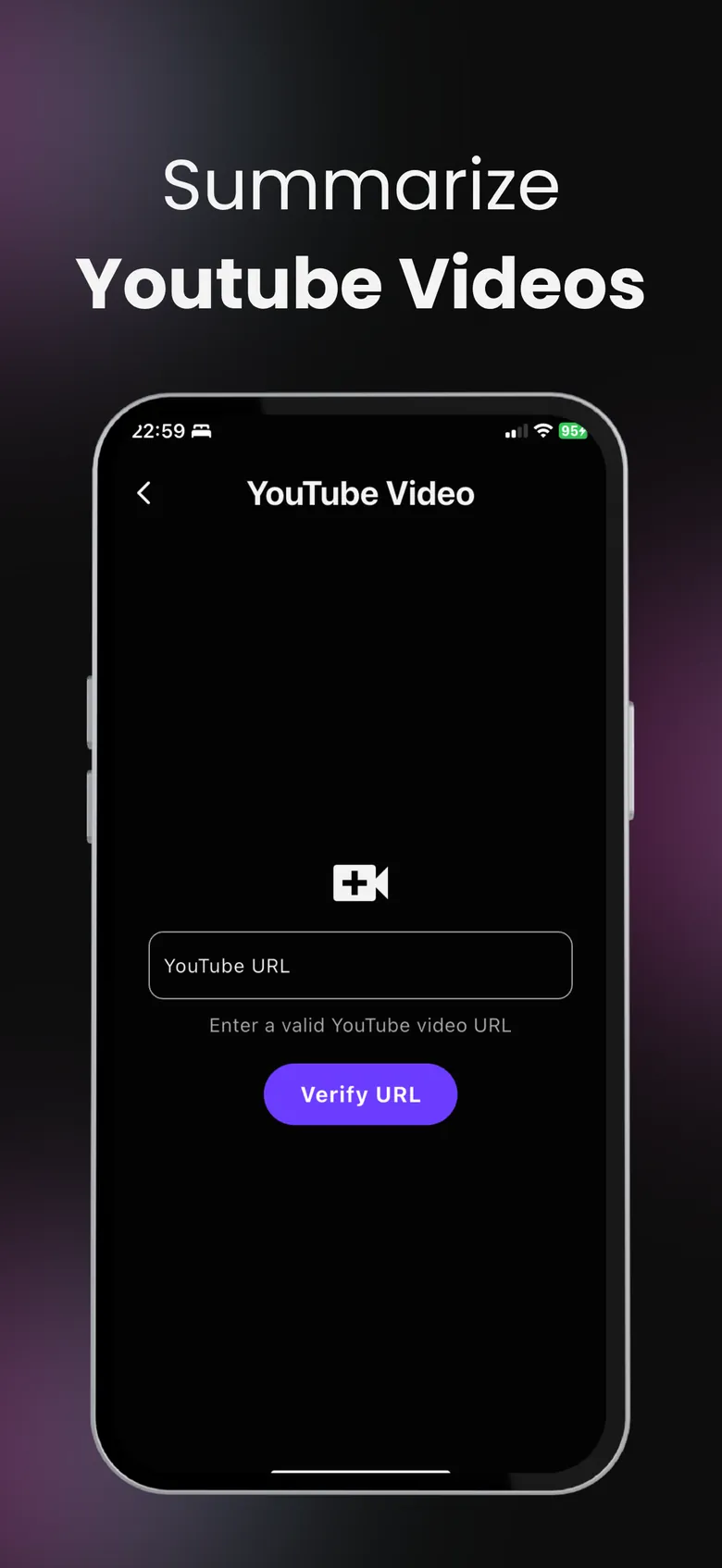
Upload a PDF, paste a YouTube link, record or paste text.
Open the Chat tab
Every summary has one — start with a suggestion or type a question.
Get answers
Answers are based on that content. Ask follow-ups as you go.
Questions, answered
Can I chat with a PDF on iPhone?
Yes. Summarize the PDF in SumApp, open the Chat tab and ask anything about it.
Does chat work with YouTube videos and recordings?
Yes — chat works with every summary, whether it came from a PDF, a YouTube link, an audio or video file, a recording or text.
Is chat free?
You can try chat for free. Free use has a limit; with Premium you can keep chatting — up to 100 messages on each summary.
Are the answers always right?
AI can make mistakes. Answers are based on your content, but check the original for anything important.
More from SumApp
Hours of content. Minutes of insight.
Your next lecture, PDF or video — summarized, searchable and ready to quiz you.

Free to download · Optional Premium · Cancel anytime in your Apple ID settings