60 pages. One clear summary.
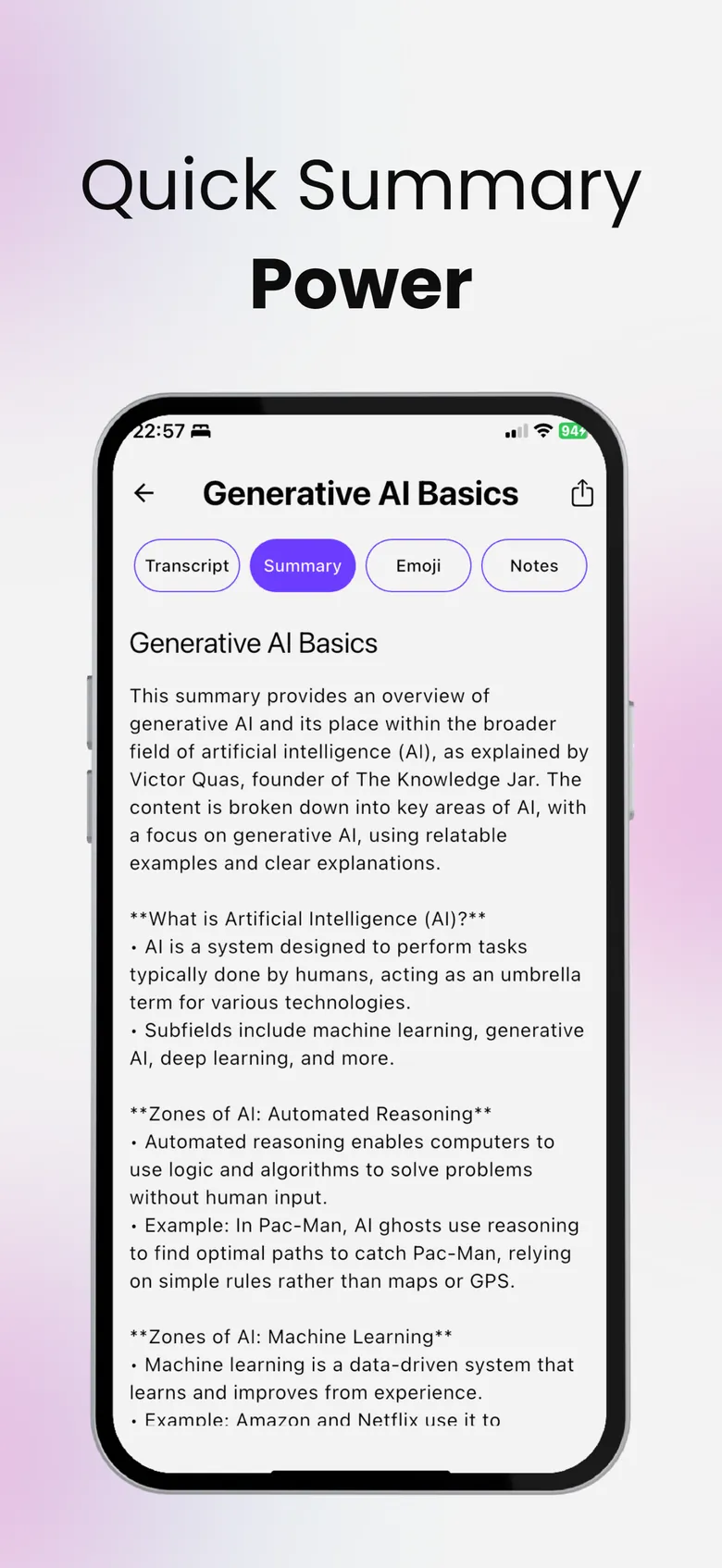
Upload textbooks, articles, slides or reports and SumApp pulls out the main points and key terms. Snap a photo of a page and it reads the text for you.

- Free to download
- YouTube, PDF & audio
- Delete your data anytime
Textbooks, articles, slides and reports.
Add a PDF or document from Files and get a structured summary with the main points and key terms — ready to review, share or turn into a quiz.
- Main points and key terms pulled out for you
- Photo to text (OCR) for printed pages and handouts
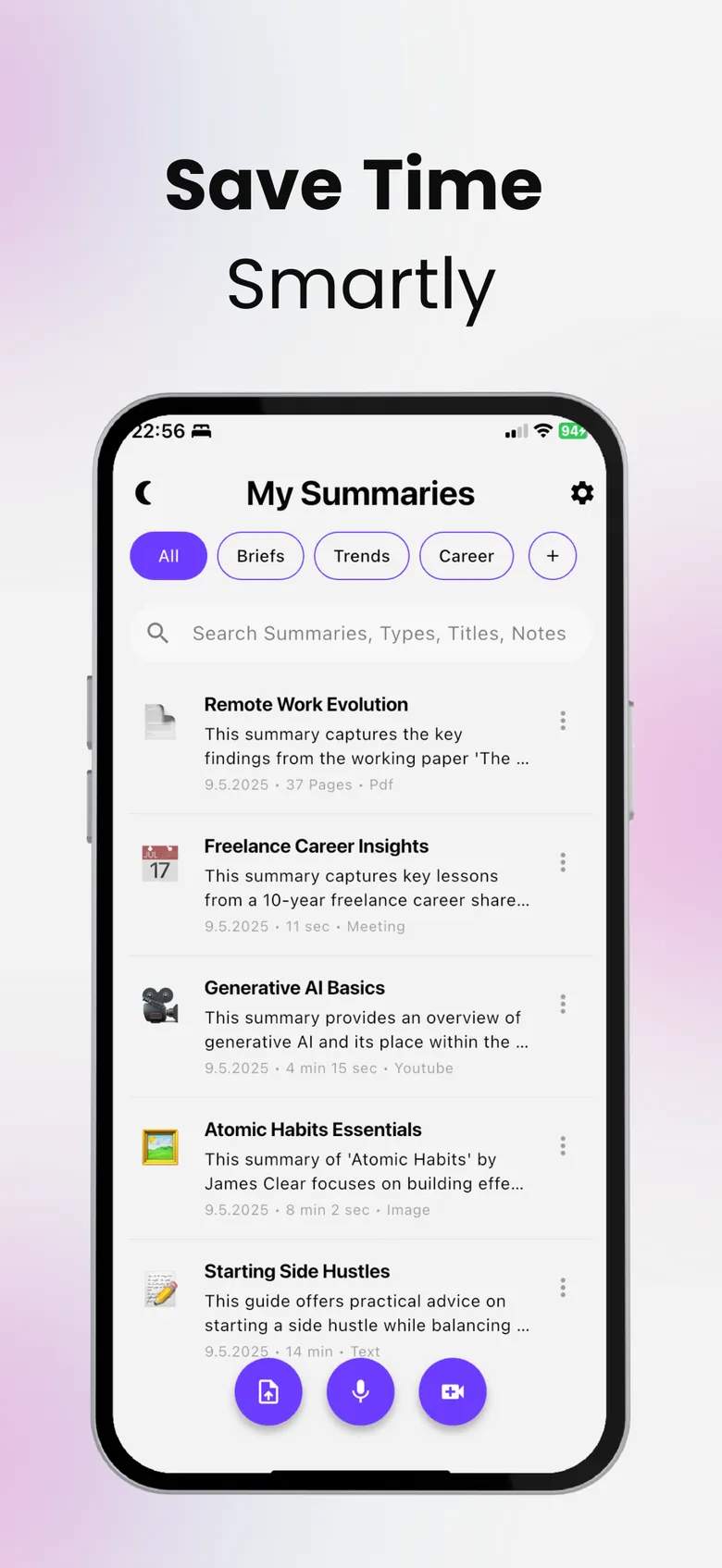
- All your summaries searchable in one list
Chat with your document.
Ask “What is the main argument?” or “Explain chapter 3 simply” and get answers that come from your own source — not from the open web.
From summary to practice test.
Generate practice questions from the document and see what you missed before the exam. AI quiz generator →
Summarize a PDF in three steps.
Add the file
Pick a PDF or document from Files — or take a photo of a page.
Get the summary
Main points and key terms, in seconds.
Ask or quiz
Chat with the document or generate practice questions.
Questions, answered
How do I summarize a PDF on iPhone?
Open SumApp, upload the PDF from Files and tap summarize. You get the main points and key terms, and you can chat with the document or create a quiz from it.
Can it read scanned pages or photos?
Yes. Snap a photo of a page and SumApp reads the text with OCR, then summarizes it.
Are the answers based on my document?
Yes — when you chat with a document, the answers come from your own source.
Is my document private?
Your documents are used to create your summaries and are never sold, and you can delete them at any time. See the Privacy Policy.
More from SumApp
Hours of content. Minutes of insight.
Your next lecture, PDF or video — summarized, searchable and ready to quiz you.

Free to download · Optional Premium · Cancel anytime in your Apple ID settings