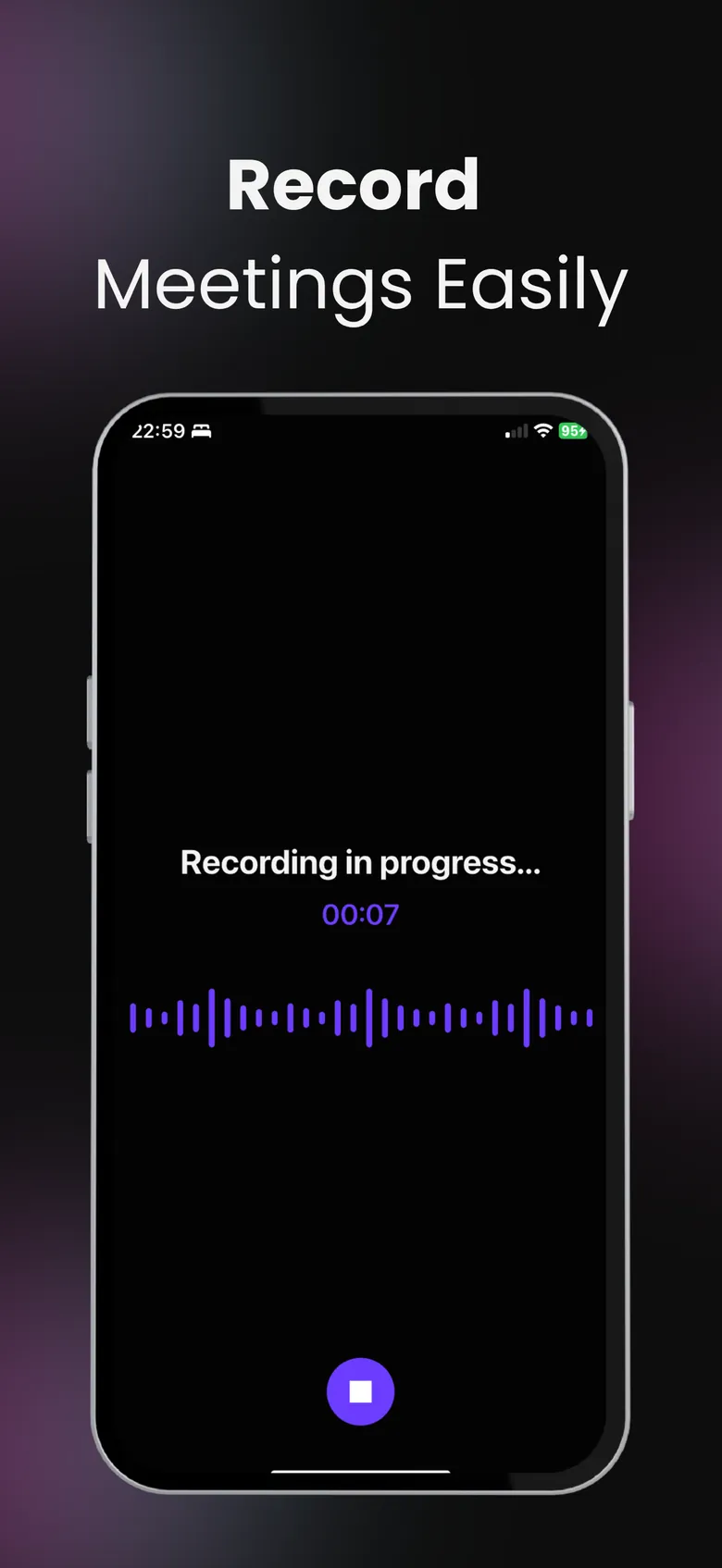
Never replay a meeting again.
Put your phone on the table and press record. SumApp transcribes the meeting and turns it into notes you can act on — decisions, tasks and next steps — before you’re back at your desk.

- Free to download
- YouTube, PDF & audio
- Delete your data anytime
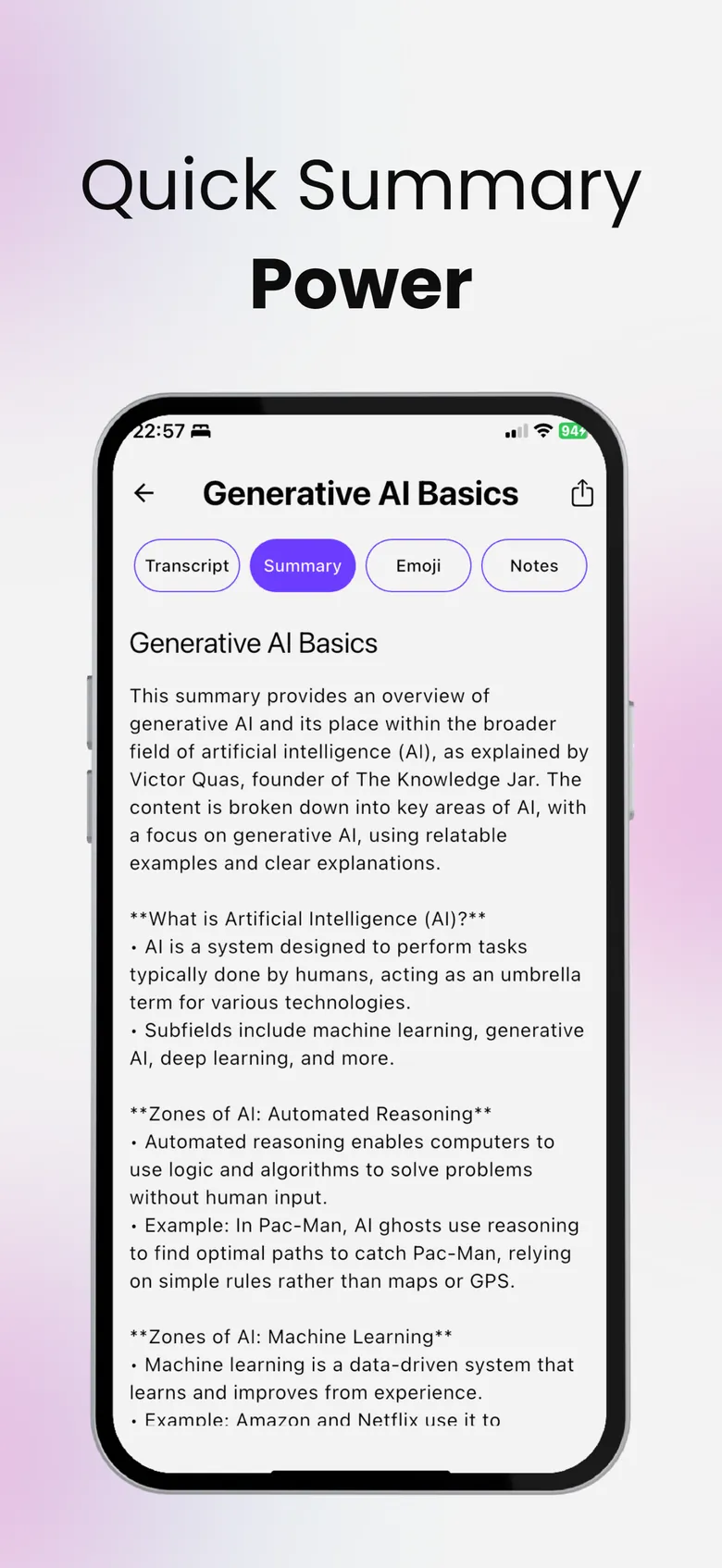
Decisions, tasks and next steps.
Choose the Meeting notes summary style — or leave it on Automatic, which gives meetings decisions and tasks and everything else topic headings. You get the outcome of the meeting, not a wall of text.
- Full transcript of what was said
- Decisions and tasks pulled out for you
- Editable notes to add what only you know
“Who does what?” Just ask.
Open the Chat tab and ask the recording anything. Suggestions like Are there any action items?, Decisions and Who does what are one tap away. More about chat →
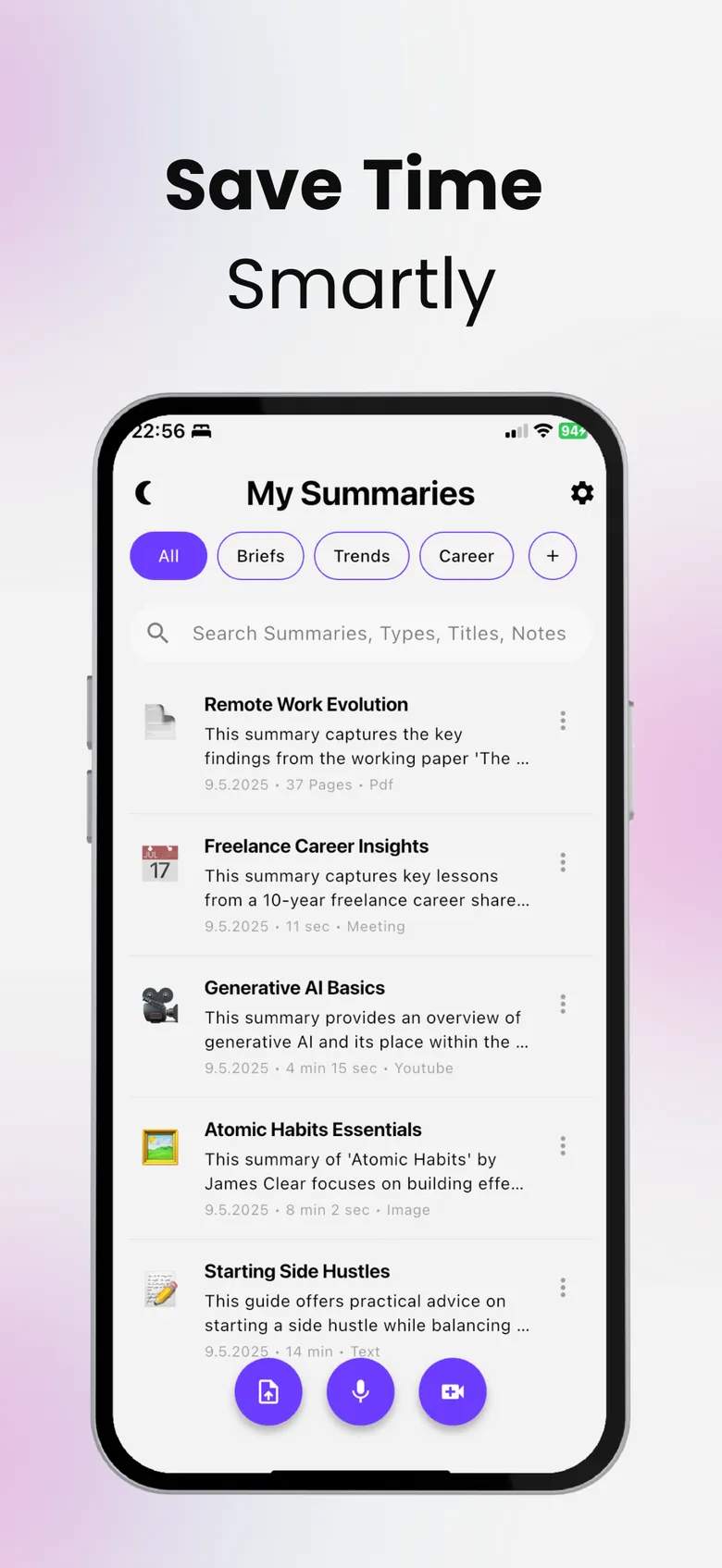
Send the notes. Keep the archive.
Share the summary, notes or transcript as text or a PDF, file meetings into folders and find any of them later with search. Choose the summary language from 100+ languages. Recording lectures too →
Meeting notes in three steps.
Tap Meeting Recording
Record your voice and the room — summarize instantly when you stop.
Get the notes
Decisions, tasks and next steps, plus the full transcript.
Ask and share
Ask “Who does what?”, then share the notes as text or PDF.
Questions, answered
Can SumApp take meeting notes for me?
Yes. Record the meeting in the app and SumApp transcribes it and writes meeting notes with decisions, tasks and next steps.
Does it work for online meetings?
SumApp records audio through your iPhone’s microphone. You can also upload an audio or video file of a meeting you recorded elsewhere.
Can I share the notes?
Yes — share the summary, notes or transcript as text or as a PDF, or all of it in one PDF.
Do I need permission to record?
Recording laws and workplace rules differ. Always tell people and get their permission before you record a meeting.
More from SumApp
Hours of content. Minutes of insight.
Your next lecture, PDF or video — summarized, searchable and ready to quiz you.

Free to download · Optional Premium · Cancel anytime in your Apple ID settings