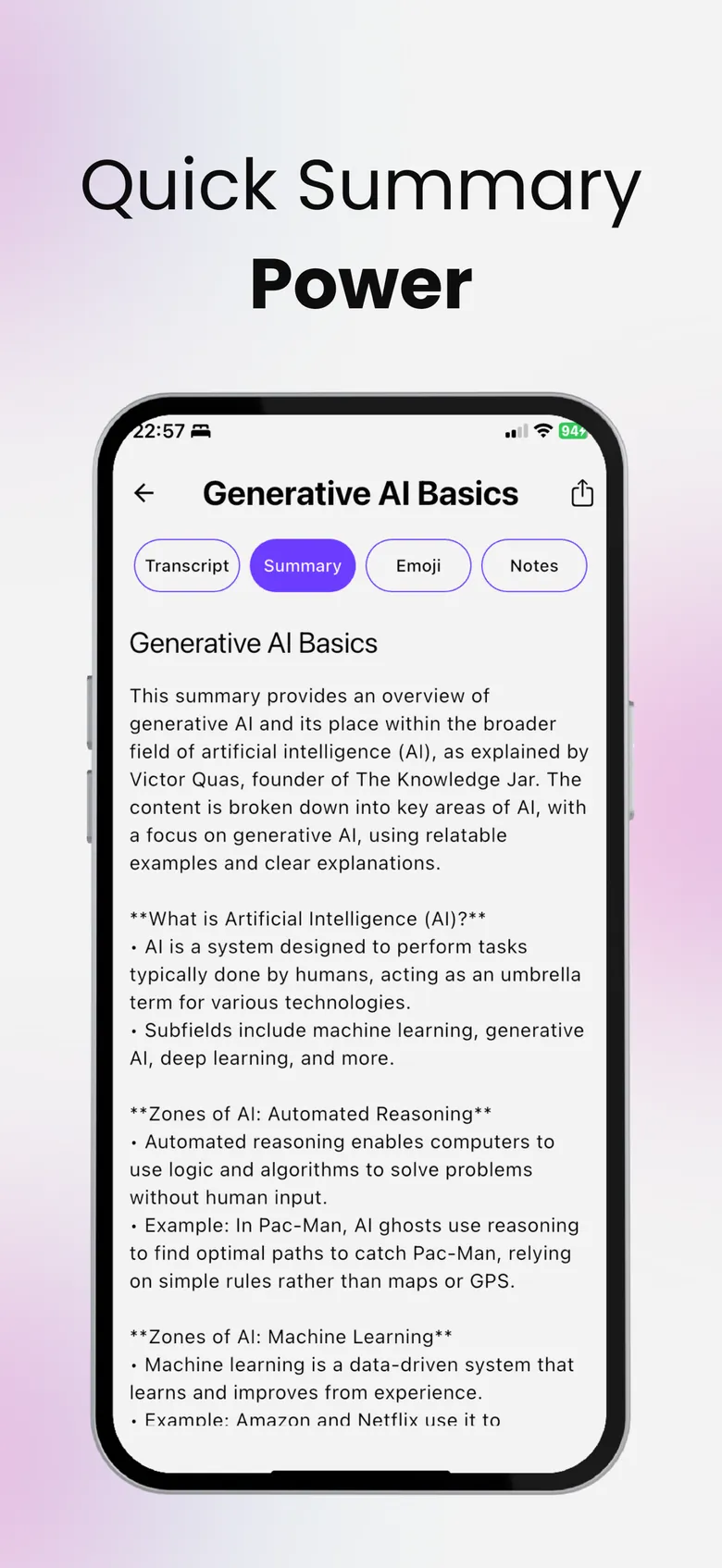
Record a lecture. Get the notes.
Stay in the conversation instead of typing. Record a class or a meeting — SumApp transcribes it, summarizes it and lists the action items.

- Free to download
- YouTube, PDF & audio
- Delete your data anytime
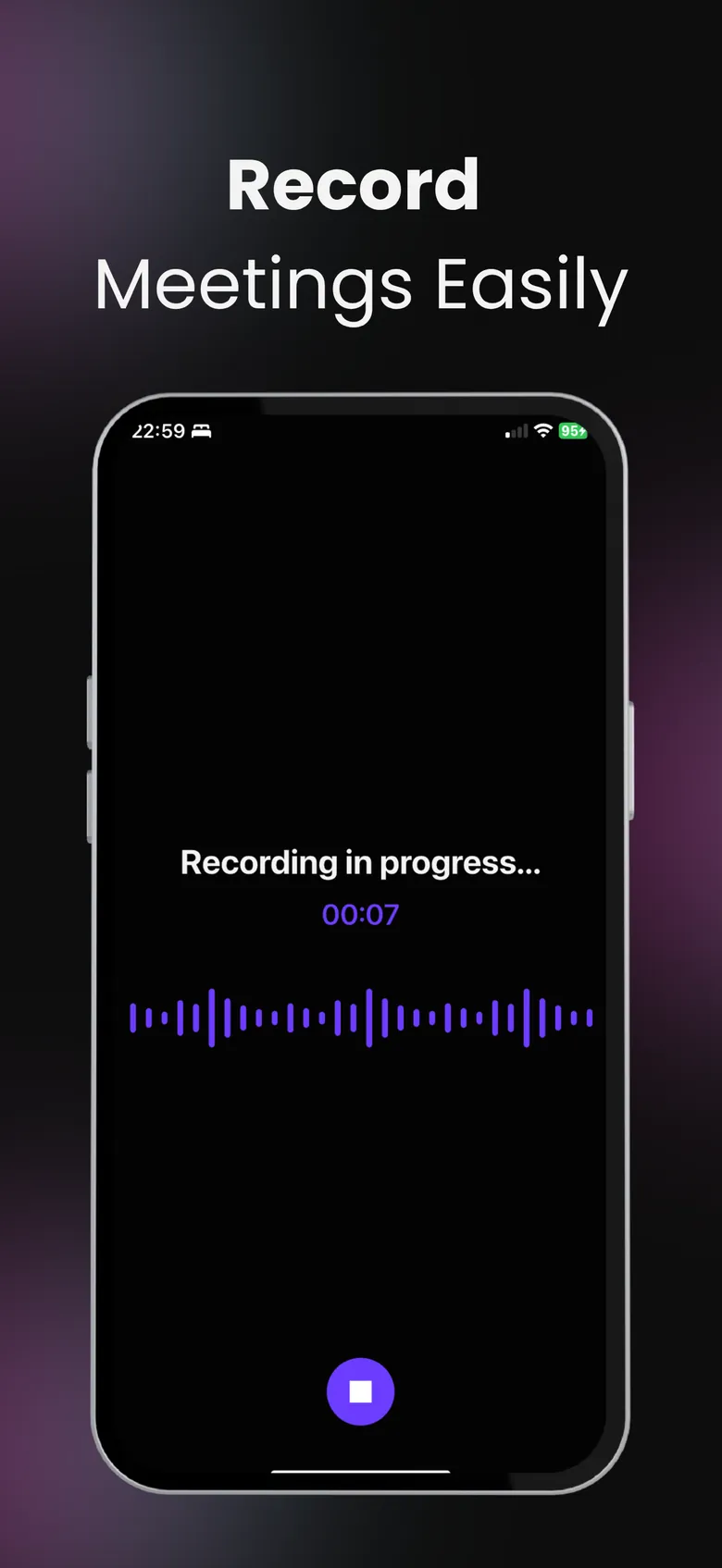
One button. Full transcript.
Tap record when the lecture starts and stop when it ends. SumApp turns the audio into a transcript and a clean summary you can review later.
- Transcript of the whole session
- Summary with the key points
- Action items pulled out of meetings
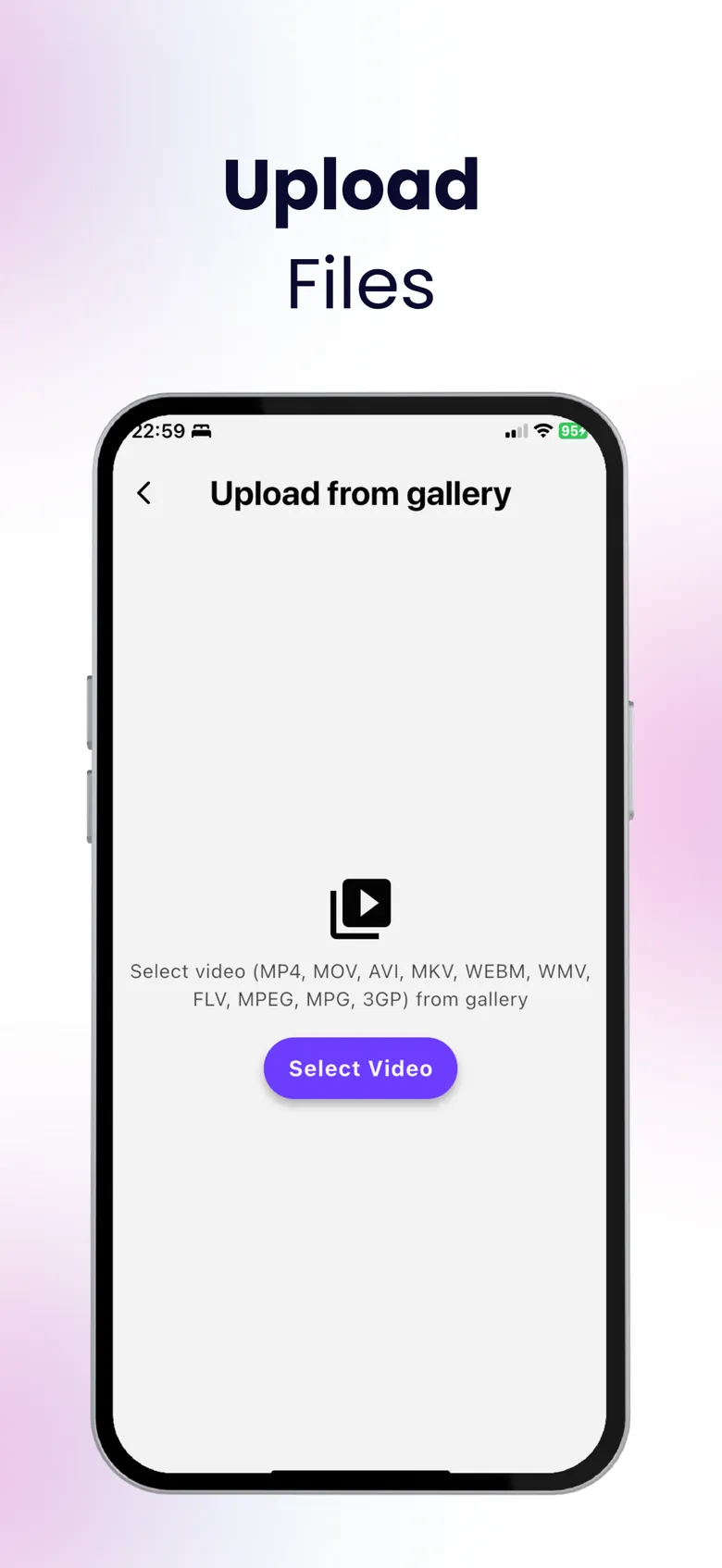
Upload audio or video files.
Have a recording from another app? Upload the audio or video file and SumApp transcribes and summarizes it too.
Ask before you record.
Recording laws differ by country and many schools and workplaces have their own rules. Always get permission from the people you record.
Lecture to notes in three steps.
Hit record
Start recording in SumApp when the class or meeting begins.
Get the transcript
SumApp transcribes and summarizes the audio.
Review and quiz
Read the key points and action items, then quiz yourself.
Questions, answered
Can SumApp record and transcribe a lecture?
Yes. Record in the app and SumApp produces a transcript, a summary and — for meetings — a list of action items.
Which languages are supported?
SumApp detects the spoken language automatically, and you can choose the summary language — from 100+ languages — in settings.
Is there a recording limit?
Free use has limits. Premium unlocks unlimited recording time, summaries and quizzes.
Is it legal to record a lecture?
It depends on where you are and on your school’s or company’s rules. Always ask for permission before recording other people.
More from SumApp
Hours of content. Minutes of insight.
Your next lecture, PDF or video — summarized, searchable and ready to quiz you.

Free to download · Optional Premium · Cancel anytime in your Apple ID settings